> For the complete documentation index, see [llms.txt](https://kb.rezonate.io/llms.txt). Markdown versions of documentation pages are available by appending `.md` to page URLs; this page is available as [Markdown](https://kb.rezonate.io/platform-tour/risks-and-threats.md).
# Risks & Threats
The Risks & Threats area is in a security-focused perspective to examine the identities and their posture issues, as well as potential threats.
In this area, we can find a few different views:
1. **Exposures** - Security Posture Issues & As well as remediation solutions (in product or external).
2. **Threats** - Identity Threats that were detected in the environment.
3. **Access Review -** A lean way to review who has access to something, and manage the reviewing lifecycle to comply with regulations and government policies.
4. **Compliance** - a compliance perspective including the current status of the environment when being measured against NIST, SOC, and other frameworks.
Risk & Threat Area, Rezonate
***
### Exposures
Rezonate checks hundreds of security controls that can be customized based on the organization's preferences. the findings and their lifecycle can be found under the Exposures page which includes everything that is needed to quickly understand and remediate a risk.
On this page, we can review the different risks that were found in the environment, slices by category, and with agile filtering capabilities to filter by area, platforms, or detection time.
By clicking on each exposure we can see a list of identities that suffer from it, including their risk level, which may be affected by the blast radius of the specific identity or other attributes to help with the prioritization process.
Example for Risk Drildown - MFA Issues for EntraID users
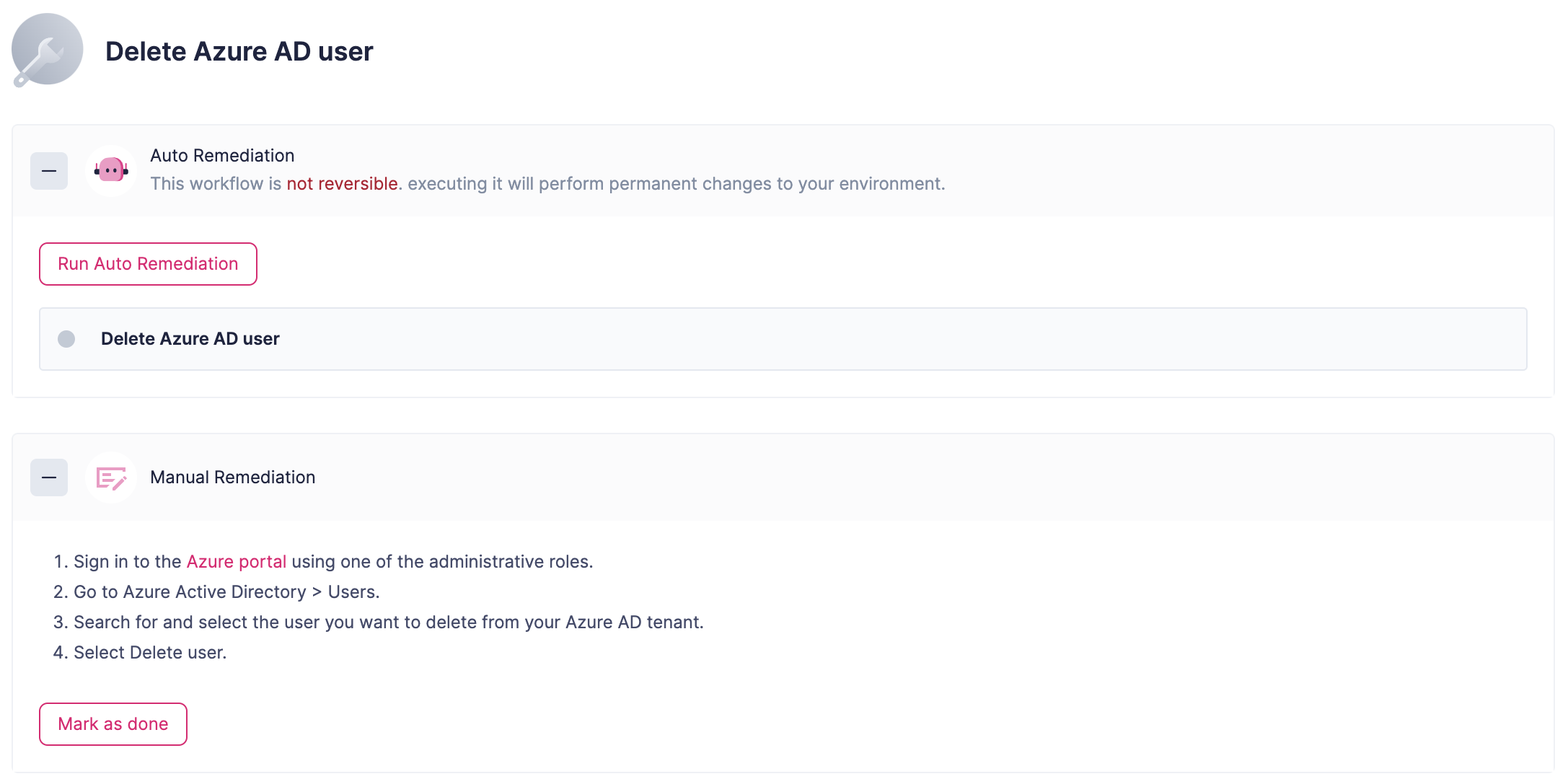
By Clicking an issue, we can see the full information, including its Identity storyline as well as potential remediations (that can be applied automatically from Rezonate or externally)
Issue Details
It is also possible to create Jira issues to manage the process of remediating these issues externally through a seamless integration, by clicking the Create Issue button.